Card Content
The left panel's content editor changes depending on which card type you chose during setup.
AR Card content
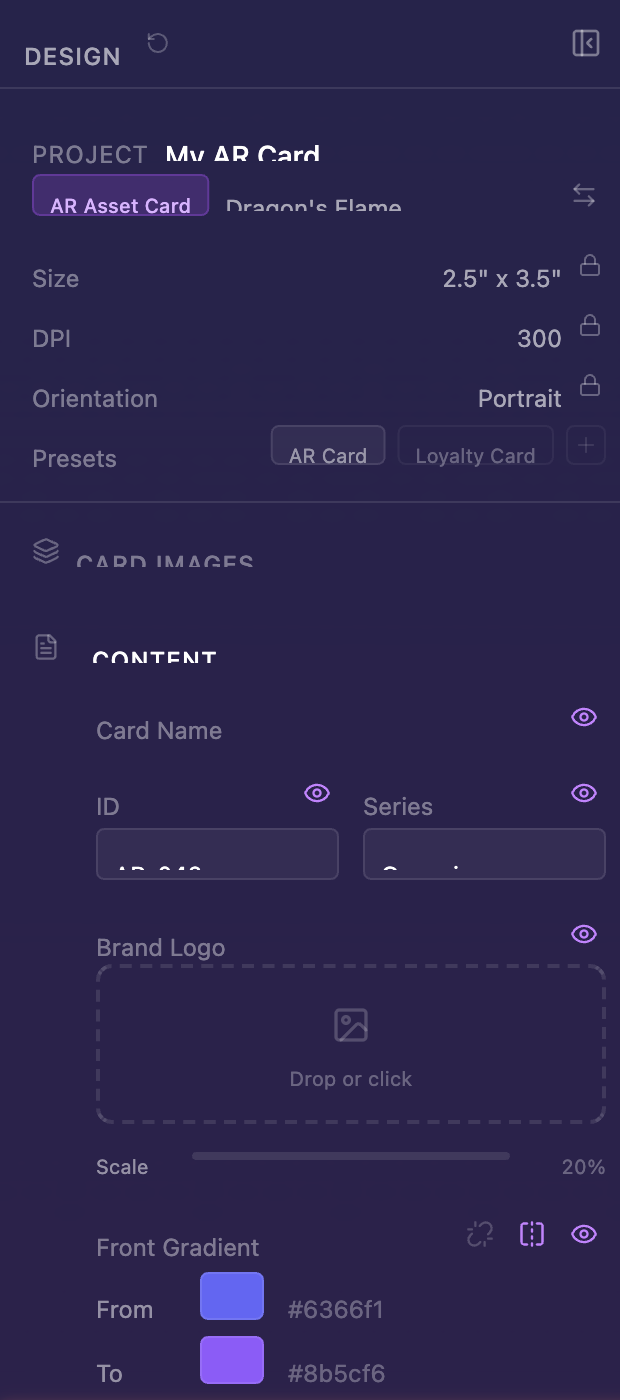
The AR Content Editor lets you configure what happens when your card is scanned in AR:
-
Front/Back HTML overlays — Rich text or HTML content displayed over each face
-
Audio — Upload an MP3 that plays during the AR experience
-
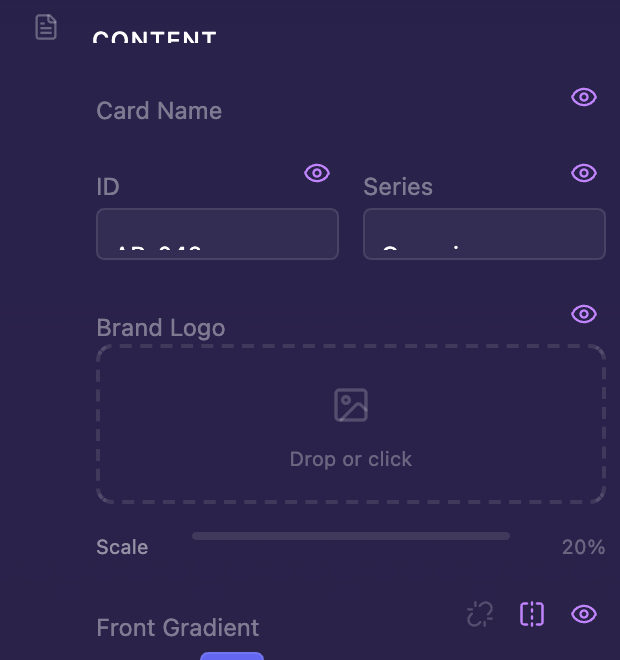
Brand logo — Your logo with adjustable scale
-
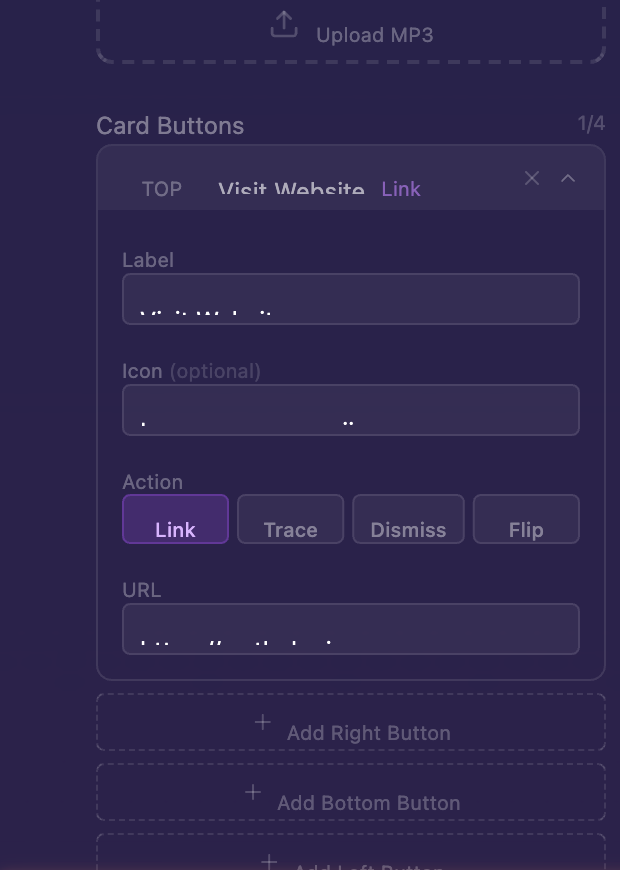
AR Buttons — Up to 4 interactive buttons (top, right, bottom, left) that can open links, trigger AR traces, dismiss overlays, or flip the card
-
Metadata — Card title, AR ID, series name, edition size, and collection order
Each element has a visibility toggle so you can show or hide it without deleting the content.
Loyalty Card content
The Loyalty Content Editor has fields specific to loyalty programs:
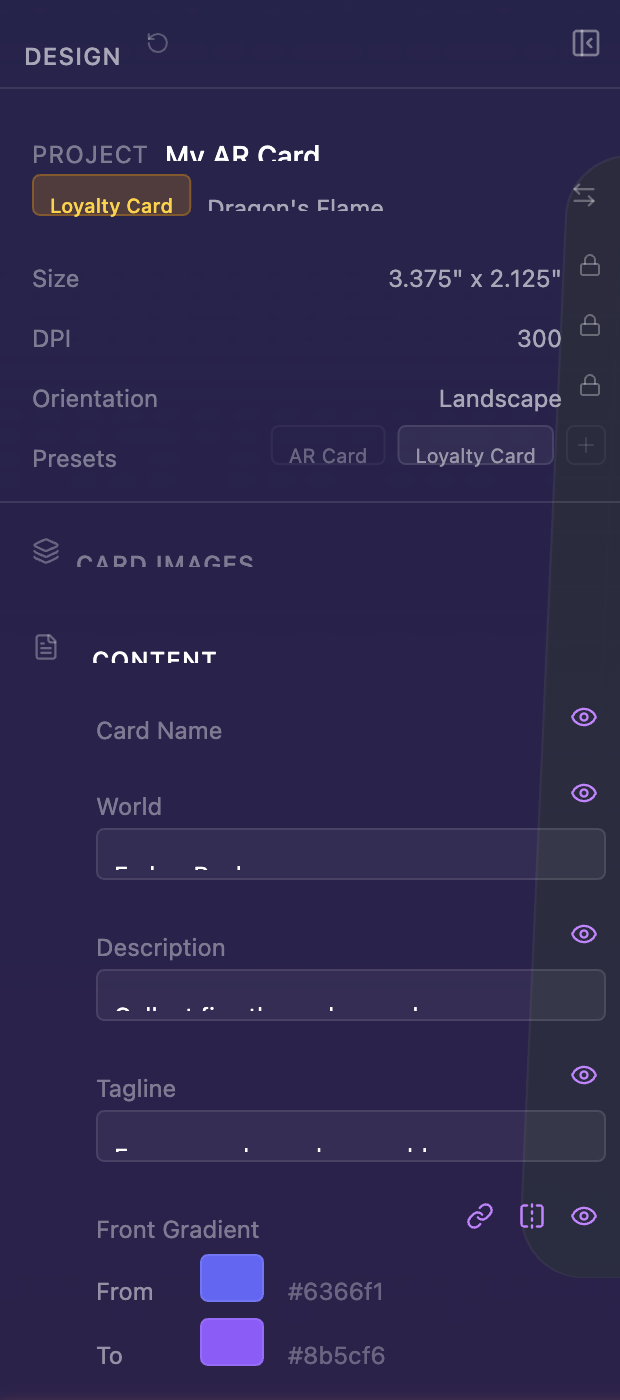
-
World name, description, and tagline
-
Brand logo with scale control
-
QR code and barcode — Drag and drop your code images
-
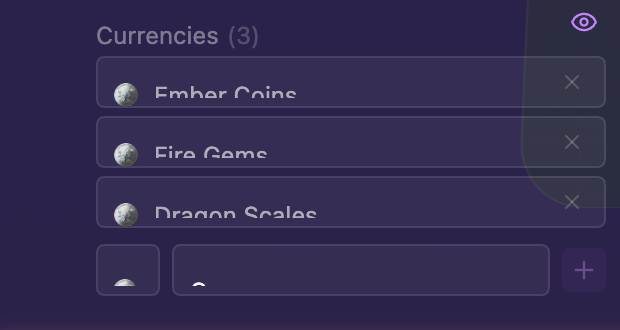
Currency denominations — Add up to 10 custom currencies (like "100 LUMEN" or "5 ORBS")