Materials, Lighting, and Effects
Choosing a material finish
The right panel's Material section controls how the surface of your card looks. Pick from six ready-made finishes:
| Finish | Best for |
|---|---|
| Flat | Uncoated cardstock look |
| Holographic | Rainbow holographic trading cards |
| Gold Foil | Premium gold-stamped cards |
| Matte | Soft-touch matte finish |
| Glossy | High-gloss UV-coated look |
| Frosted | Frosted / soft-gloss hybrid |
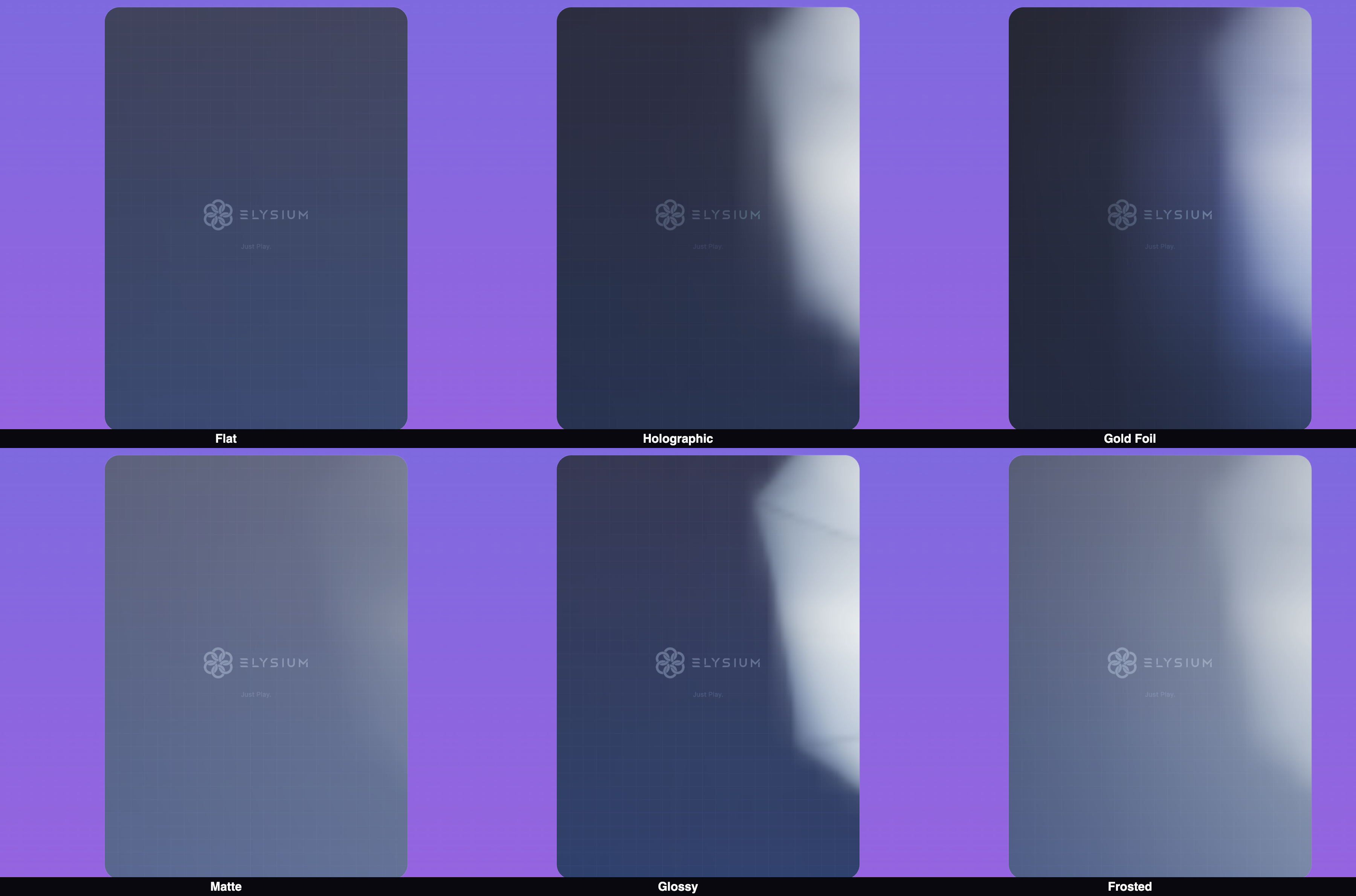
Want full control? Choose Custom to manually adjust metalness, roughness, clearcoat, and iridescence with individual sliders.
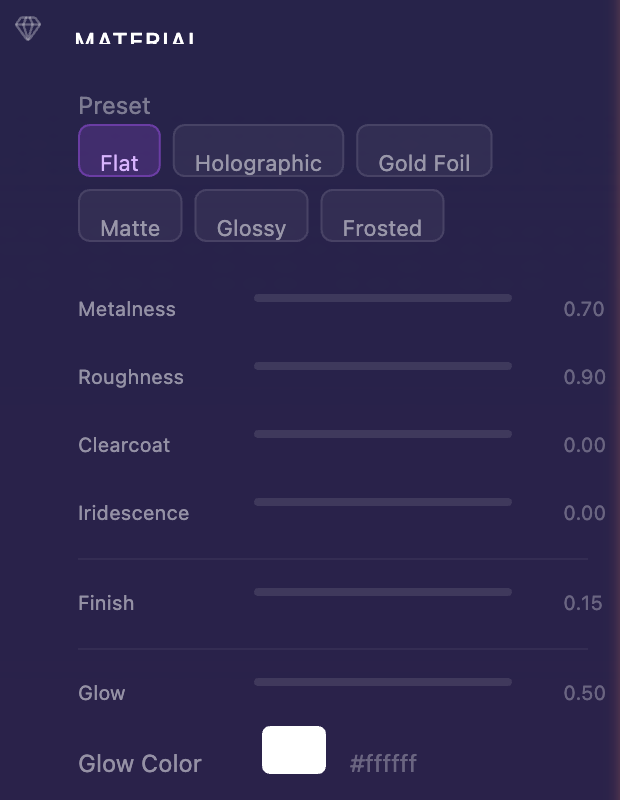
Emissive glow
Turn on the Glow slider to make your card emit light — great for neon or backlit effects. You can also pick a glow color to tint the effect.

Edge finish
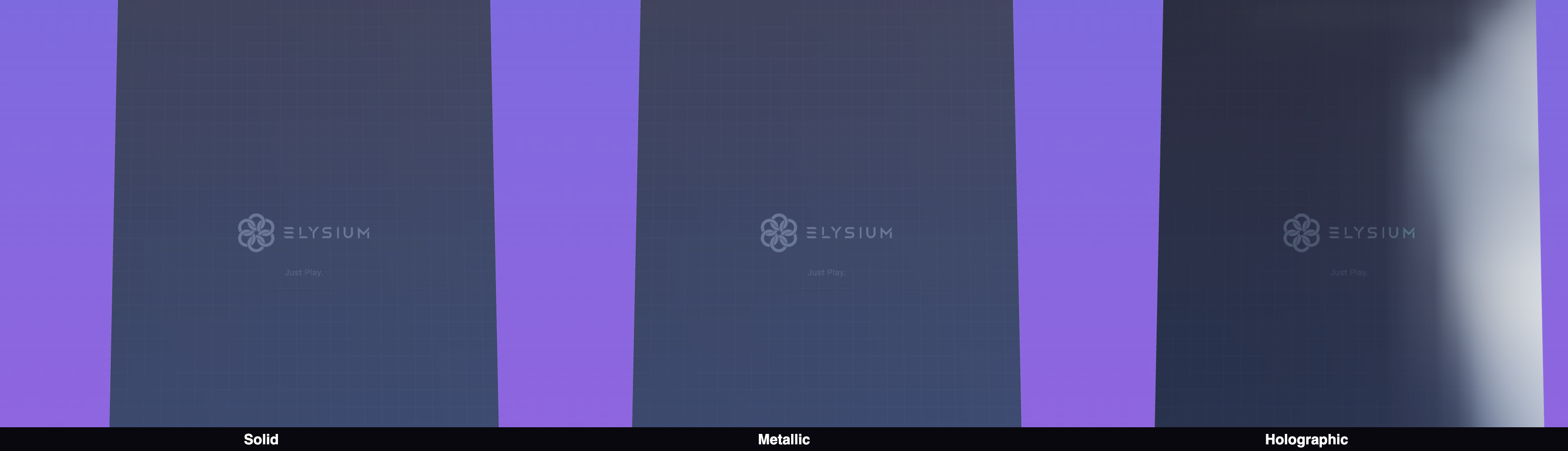
The card's edge (the thin side between front and back) has its own finish: Solid, Metallic, or Holographic.
Setting up lighting
The Lighting section in the right panel controls a three-light setup:
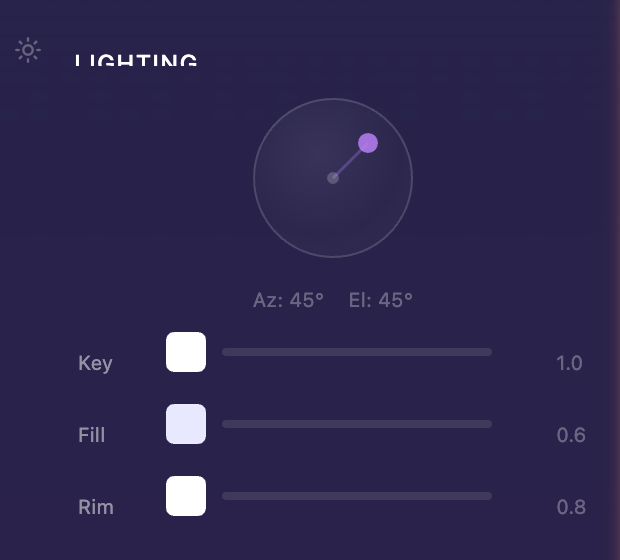
- Key Light — Your main light source. Drag the interactive direction sphere to aim it. Adjust intensity and color.
- Fill Light — A softer secondary light that reduces harsh shadows
- Rim Light — A back-edge light that makes your card pop against the background
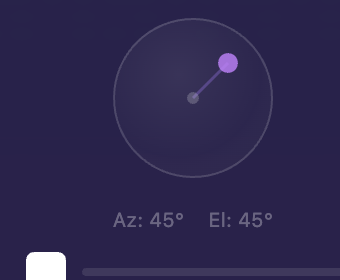
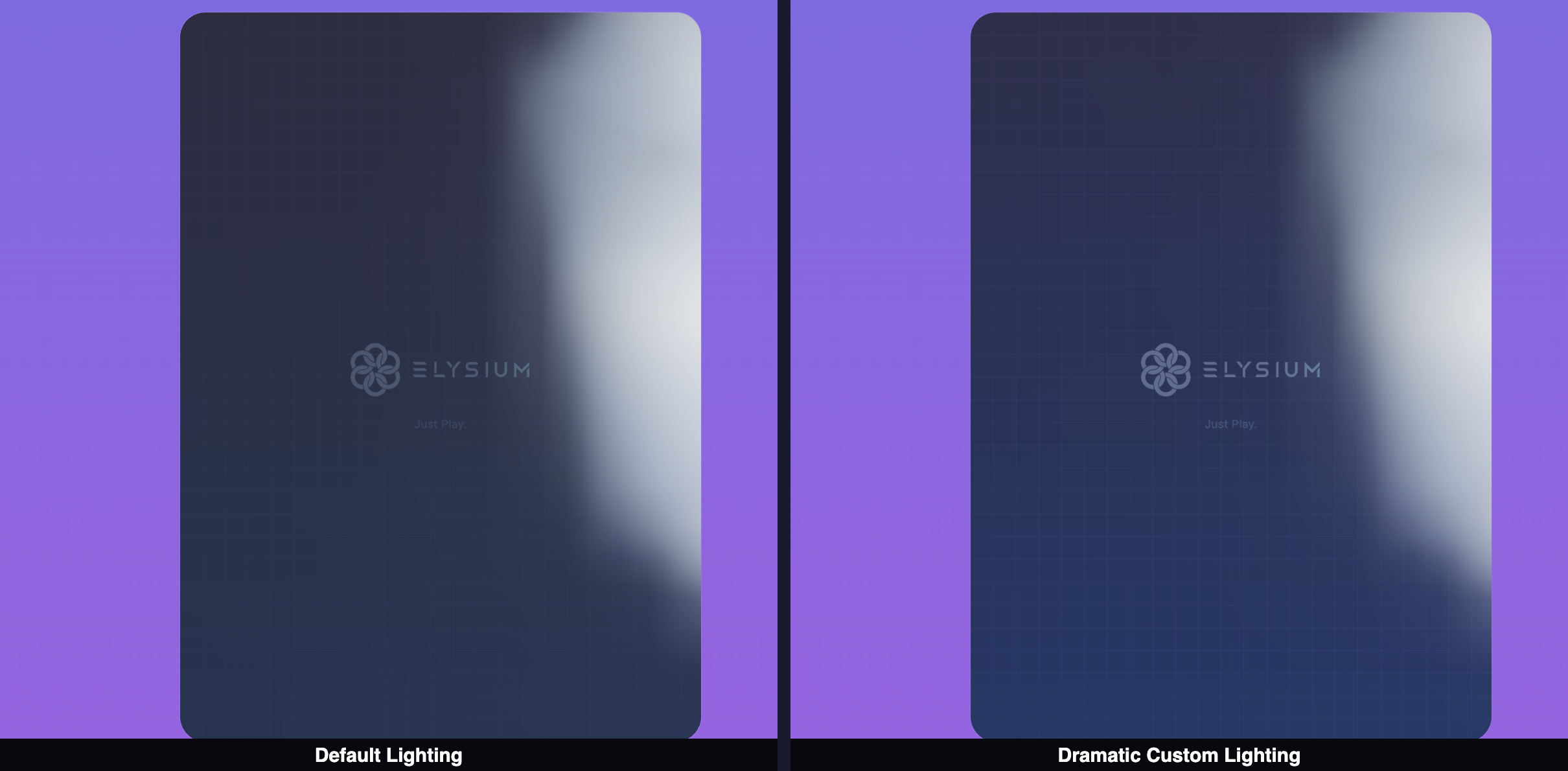
Play with the intensity sliders and colors to get the mood you're going for.
Visual effects
Three toggle-able effects in the right panel:
-
Drop Shadow — Adds a soft shadow beneath the card

-
Float Animation — Makes the card gently hover up and down

-
Light Parallax — Subtle highlight shifts as you move the camera, mimicking how real foil cards catch light